Short answer:
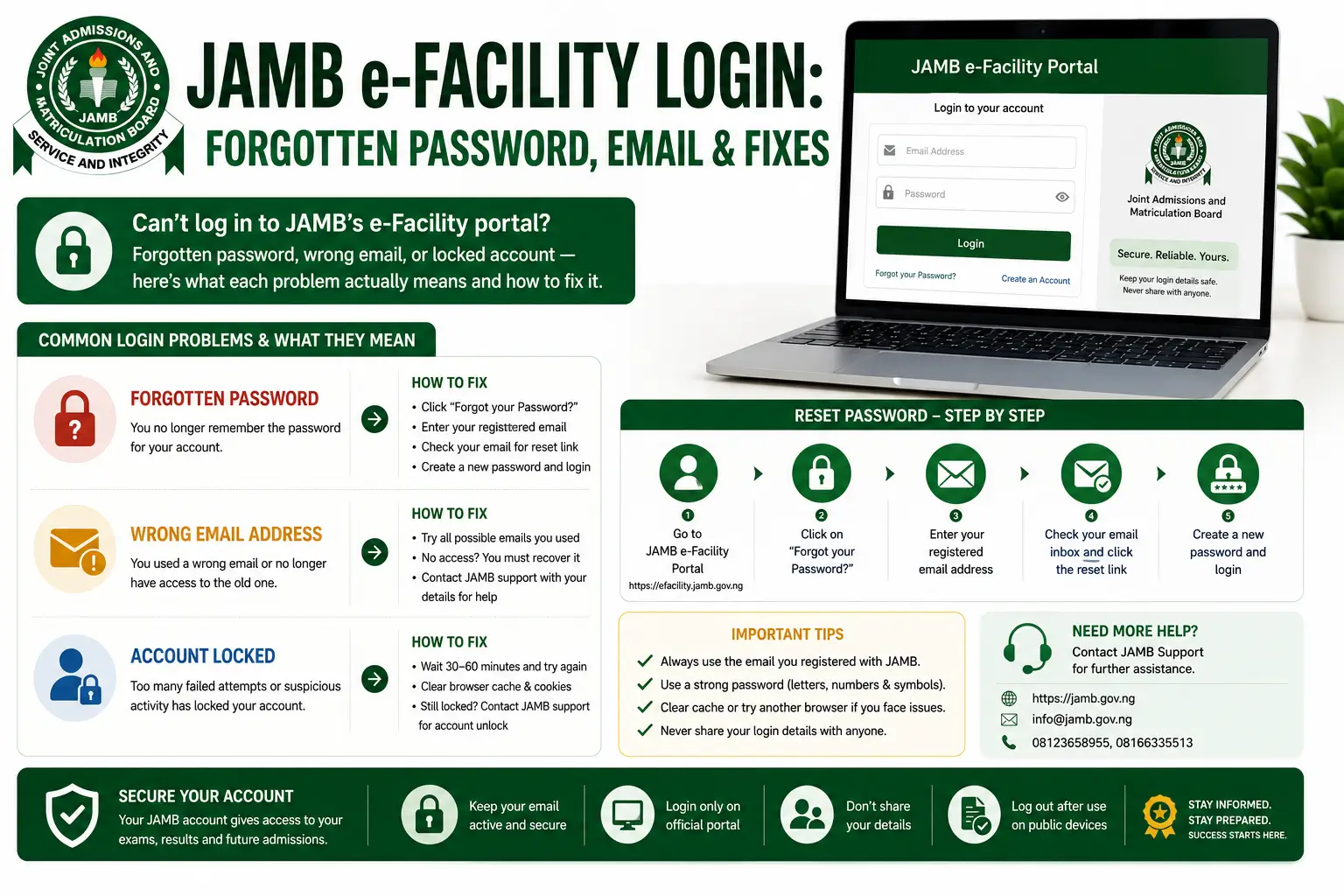
e-Facility login uses the email address and password you set during registration — not your phone number, and not your registration number alone. Most login problems are a forgotten password (fixable in minutes) or a forgotten registration email (which needs an in-person visit to JAMB).
What you actually log in with
A common mistake: candidates try to log in with their JAMB registration number or phone number, when the portal expects the email address and password created at registration. If login keeps failing, check you’re using the right combination before assuming something’s broken.
Forgotten password
Use the “Forgot Password” option on the login screen. You’ll typically need access to the email address or phone number linked to the account to complete the reset. This is the easiest of the login problems to solve yourself and rarely needs anyone’s help.
Forgotten registration email
This is harder, and it’s the one people most often try to shortcut by paying a stranger or an “agent” to fix — don’t. If you genuinely don’t remember which email you registered with, this needs a visit to a JAMB office in person, with your original registration documents and a valid ID. There isn’t a legitimate faster path around this.
Account locked after repeated attempts
Portals like this typically lock temporarily after several failed logins as a security measure. Wait before trying again rather than repeatedly retrying, which can extend the lockout.
Logging in but not seeing what you expect
If you’re logged in successfully but the option you need (result slip, exam slip, etc.) isn’t showing:
- Check you’re on the correct portal — exam slip and result slip are handled by different systems, and being logged into the wrong one can look like a missing feature.
- Check whether the relevant printing window is actually open yet for your exam cycle.
- If both of those check out and it’s still missing, that points to an account-specific issue worth raising directly with JAMB rather than guessing further.
Staying safe while logging in
Only log in at efacility.jamb.gov.ng directly. Avoid links shared in messages or on unfamiliar sites claiming to be a faster route to the same portal — credential-harvesting lookalikes are a real risk in this space specifically because so many candidates search for login help under pressure and click the first result.
FAQs
Can I change the email linked to my JAMB account?
This isn’t something to attempt through unofficial means. If you need this changed, it’s a JAMB office matter, not a self-service portal option.
Is there a JAMB support line for login issues?
JAMB does provide support channels — check jamb.gov.ng directly for current contact details, since these are updated periodically.
Why does the portal keep logging me out?
Session timeouts are normal on high-traffic government portals, especially during peak periods like results release. It’s rarely something wrong with your specific device.